
How to Cancel Your Planet Fitness Membership
How to Cancel Your Planet Fitness Membership
- Quick Answer: How to Cancel
- 1. Cancel In-Person at Your Home Club
- 2. Cancel by Certified Mail
- 3. Common Mistakes to Avoid
- 4. What About Contract Terms & Fees?
- FAQ
Quick Answer: How to Cancel
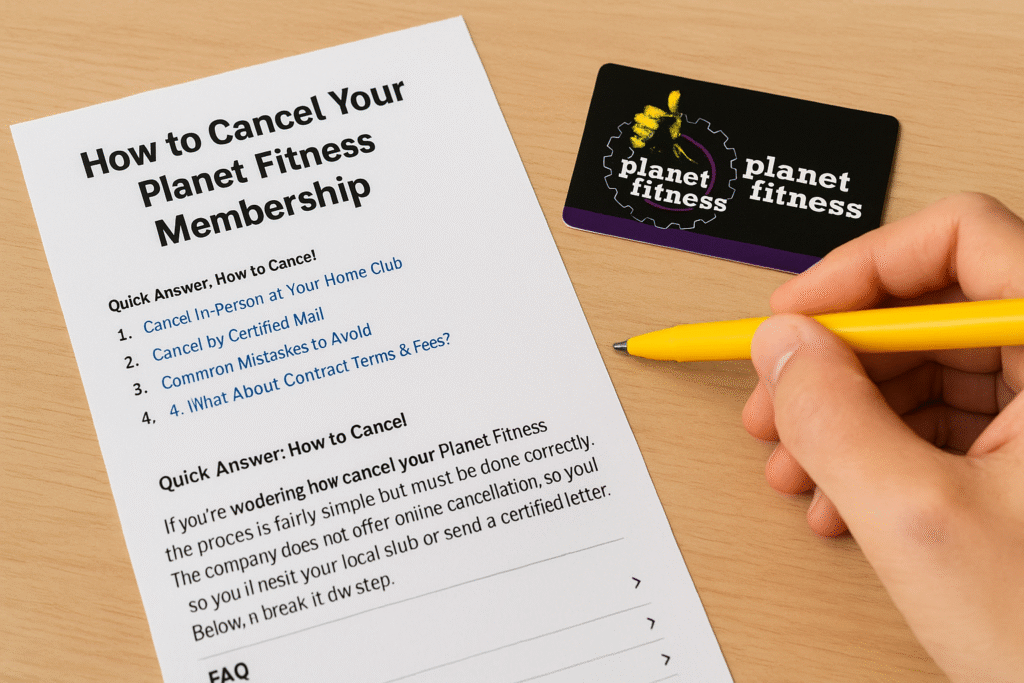
If you’re wondering how to cancel your Planet Fitness membership, the process is fairly simple but must be done correctly. The company does not offer online cancellation, so you’ll need to visit your local club or send a certified letter. Below, we break it down step by step.
1. Cancel In-Person at Your Home Club
The most direct method to cancel your membership is to go in person. Simply ask the front desk for a cancellation form. Complete the form, provide a valid ID, and request a cancellation confirmation. Many users who researched how to cancel your Planet Fitness membership find this the quickest route.
2. Cancel by Certified Mail
If you’ve relocated or can’t visit your club, you can mail a cancellation letter. Include your name, phone number, email, address, and membership ID. Send the letter via certified mail to your home club’s address. This method provides proof of your request and satisfies legal notice requirements.
3. Common Mistakes to Avoid
Don’t assume cancellation is instant. Keep documentation. Some members report being charged after submitting a request. To avoid this, always get written confirmation. A common issue in many complaints about how to cancel your Planet Fitness membership is failure to follow up.
4. What About Contract Terms & Fees?
Month-to-month members can cancel anytime with no fees. However, if you’re under a 12-month Black Card agreement, you may face a $58 buyout fee. Be sure to read your agreement or ask the club manager for details before proceeding with your plan to cancel your Planet Fitness membership.
Want to compare membership options before canceling? Read our complete pricing guide here.
For more information, visit the Planet Fitness Home Page.
FAQ
Can I cancel Planet Fitness membership online?
No. Online cancellation is not supported. You must cancel in person or by mail.
Do I need to return my key tag?
Not required, but it’s best to keep it until the cancellation is confirmed.
How long does cancellation take?
In-person cancellations are usually processed within 24–48 hours. Mail may take 3–5 business days.
Will I be charged after canceling?
No, if processed correctly. Always confirm your cancellation and check bank statements.
Still not sure how to cancel your Planet Fitness membership? Just follow the in-person or certified mail process, and make sure to double-check that your request has been honored. Understanding how to cancel your Planet Fitness membership thoroughly will help you avoid unnecessary charges and frustration.